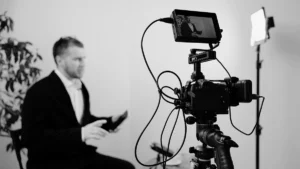
What is an edit, and why does it matter so much in audio and video production? You may record great ideas, strong interviews, or valuable insights, but without the right editing choices, your message can lose clarity, momentum, and impact.
Once you understand how editing shapes pacing, professionalism, and audience retention, you start to see why the final result is never just about what you filmed, but how you refined it.

What is an Edit in Audio and Video Production?
An edit is any change you make to recorded audio or video to improve how it looks, sounds, and flows. You take raw footage or raw audio and shape it into a clear, organized final piece by trimming unwanted parts, arranging clips in the right order, and adjusting sound and visuals for quality and consistency.
In a video, an edit can include cutting clips, adding transitions, correcting color, adjusting brightness, stabilizing shaky shots, and inserting graphics or text. In audio, it can mean removing background noise, trimming pauses, balancing volume levels, reducing echo, and adding music or sound effects.
The Difference Between Raw Footage and Polished Content
Here, you’ll see how raw footage and polished content differ, and why the editing process turns basic recordings into clear, professional media that holds attention.
Raw Footage
Raw footage is what you record straight from the camera or microphone before editing.
- You may have long pauses, mistakes, or repeated lines.
- Lighting may look uneven or slightly off in color.
- Audio can include background noise, echo, or volume changes.
- Clips may not be in the right order yet.
- There are no graphics, captions, music, or branding elements added.
Raw footage captures the material, but it is not shaped for clarity or flow.
Polished Content
Polished content is what you get after editing.
- You remove mistakes, filler words, and awkward pauses.
- You arrange clips in a logical sequence so the message flows.
- You adjust color, brightness, and contrast for a consistent look.
- You clean and balance audio so voices sound clear and even.
- You add music, sound design, titles, captions, and brand elements where needed.
Why Editing Shapes Clarity, Pacing, and Professionalism
When you edit well, you control three big factors:
Clarity
Clarity means your message is easy to follow, and your audio and visuals don’t fight for attention.
- You remove distractions. You cut out long silences, repeated lines, “uhms,” off-topic tangents, and moments where you’re searching for words. This keeps the main point clean and easy to track.
- You fix the order so your ideas make sense. Raw recordings often jump around. Editing lets you move clips so your explanation follows a logical path: setup, point, example, takeaway. You can also add a quick line (“Let me explain that”) so transitions feel natural.
- You make voices easier to understand. In audio editing, you can reduce background noise (aircon hum, hiss), lower harsh “S” sounds, and control echo. You also balance volume so one speaker isn’t quiet while another is loud. The goal is simple: people don’t have to work to hear you.
- You remove visual confusion. In video editing, you cut out dead space, awkward camera moves, shaky clips, or framing that hides important details. If you use screen recordings, you can zoom in on what matters so viewers don’t get lost.
- You match what people hear with what they see. If your video shows one thing while your words talk about another, people get confused fast. Editing helps you sync visuals to the exact moment you mention them, especially important for tutorials, demos, and interviews.
Pacing
Pacing is how fast your content moves and how it “feels” to watch or listen to. Even if your topic is good, slow pacing can make people drop off.
- You tighten time without losing meaning. You cut long pauses, rambling answers, and repeated points. You keep the strongest version of each idea and remove the extra “setup” that isn’t needed.
- You control the rhythm of cuts. In video, when you switch angles or insert b-roll at the right time, your content feels more active and easier to stay focused on. This is often called “visual pacing,” and it helps prevent the “talking head fatigue” people get when nothing changes on screen.
- You choose what to show and when. Instead of letting a story slowly unfold in real time, you can jump to the most important parts. You can also add quick context (a lower-third name tag, a caption, a short title card) so viewers don’t feel lost.
- You keep energy consistent. Raw recordings often have slow parts, then fast parts. Editing helps you smooth that out so the overall episode feels steady. In audio, this can include tightening gaps between sentences and fixing uneven loudness so the energy doesn’t dip.
- You protect attention. Attention drops when viewers feel like “I already get it” or “where is this going?” Editing fixes that by removing the extra steps and keeping each section moving toward a clear point.
Professionalism
Professionalism is the feeling that your content is reliable, intentional, and worth someone’s time.
- Your audio sounds “finished,” not random. People forgive average video quality faster than they forgive bad audio. When your voice is clean, steady, and clear, you instantly sound more credible. Editing can fix common issues like uneven volume, noise, and echo so your content feels well-made.
- Your video looks consistent across episodes. Color correction helps your footage match shot-to-shot and camera-to-camera. If one angle looks warm and another looks green or dark, it feels messy. Editing helps you keep a consistent look so your brand feels stable.
- Your content matches your brand. Professional editing includes branding elements like:
- Clean titles and lower-thirds
- Consistent fonts and colors
- Simple intro/outro
- Captions that match your style
- Logo placement that doesn’t distract
- Clean titles and lower-thirds
- Mistakes don’t become the main event. In raw footage, small issues pile up: someone coughs, a mic clips, a camera loses focus, a phone buzzes, a sentence gets restarted. Editing reduces those “quality leaks,” so the audience focuses on your message, not the rough edges.
- It signals respect for the viewer. When your content is tight, clean, and easy to follow, it tells people you value their time. That’s a big part of professionalism; your production choices show how seriously you take your audience.
Keeping these factors in mind, your editing decisions directly shape how long someone stays engaged, because every quality cut, transition, and sound adjustment keeps people watching instead of clicking away.
How Editing Directly Impacts Audience Retention
These stages in editing affect retention because they control what your audience experiences second by second: what they see, what they hear, and how “easy” it is to stay focused.
Cuts
Cuts influence retention by keeping viewers focused. When you trim out pauses, repeat information, or irrelevant footage, the video feels tighter and more engaging, which helps maintain viewer attention and reduces early drop-offs.
Editors also use pacing and rhythm to match viewer expectations, which can make audiences more likely to watch longer and absorb more of your message.
Color Correction
Consistent color tones and proper grading make scenes easier to follow visually and can subtly guide mood and attention, which supports longer watch times by making the content feel intentional rather than amateurish.
High-quality visual edits are linked with stronger engagement because viewers respond better to polished aesthetics.
Sound Design
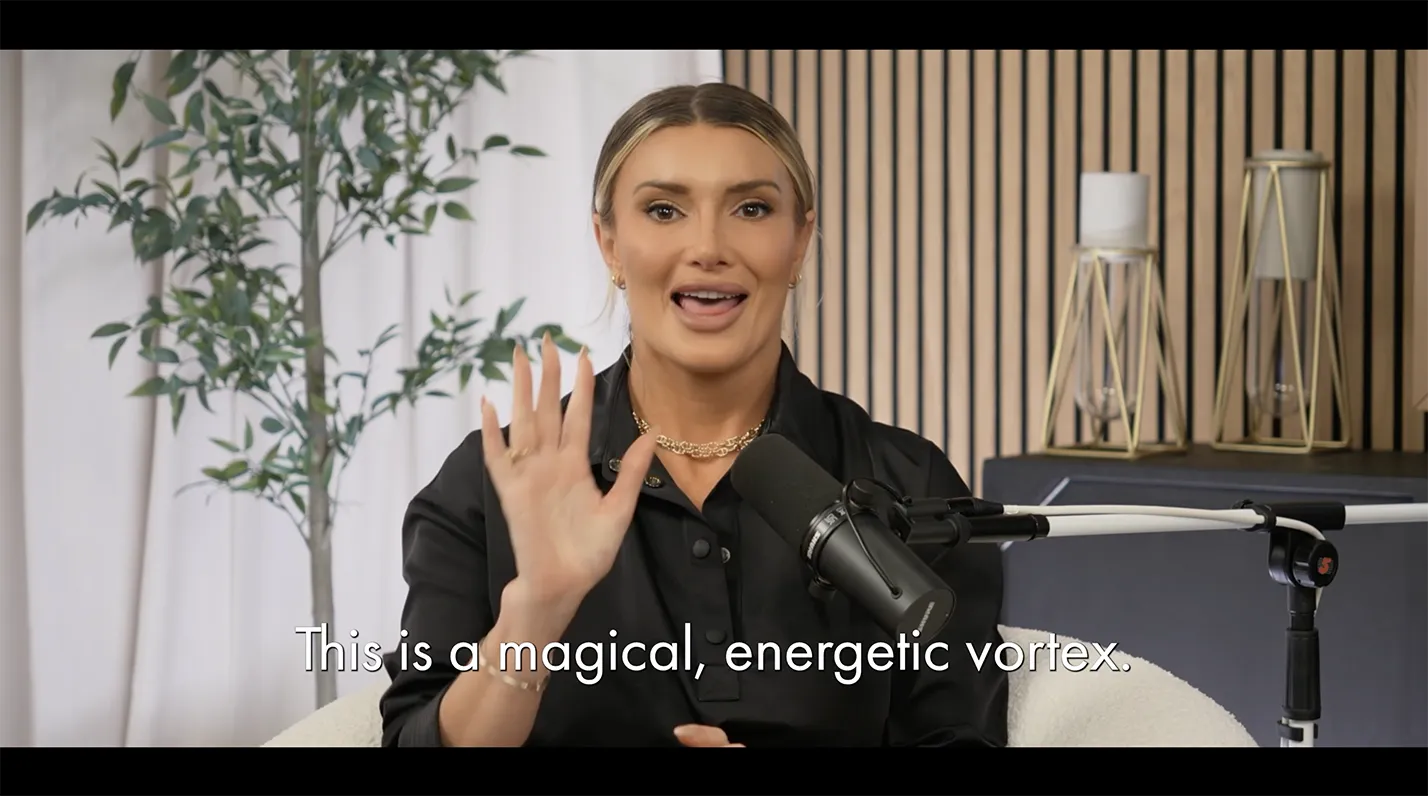
Clear dialogue, balanced audio levels, and purposeful music or effects make your message easier to hear and feel, which keeps people watching instead of clicking away because of jarring or unclear sound.
Research on video quality shows that good audio strongly correlates with longer viewing and better engagement metrics.1
Branding Elements
Studies in video marketing find that strong visual identity and professional presentation contribute to deeper audience interaction and sharing behavior.2
So, when you use consistent colors, typefaces, logos, and visual style across videos, your audience starts to recognize and trust your content more quickly, which can keep them engaged with more of your work.
Record and Edit with Confidence at Focal Studios
At Focal Studios, you get a controlled studio space, proper lighting, high-quality microphones, and a team that understands both production and post-production.
Whether you need a one-time General Admission (GA) session or ongoing monthly memberships and recording packages, you can choose the setup that fits your brand and schedule. You’ll also get professional editing support that shapes your footage into polished content designed to hold attention and reflect your brand identity.
| Schedule a studio tour at Focal Studios to see the space, discuss your goals, and receive a custom quote tailored to your production needs. |
Source:
- Beerends, J. G., & De, E. (2012). The influence of video quality on perceived audio quality and vice versa. Journal of the Audio Engineering Society. Audio Engineering Society, 47(5). https://www.researchgate.net/publication/243786211_The_influence_of_video_quality_on_perceived_audio_quality_and_vice_versa
- SanjaiKumar H. (2024). The Impact of Video Marketing on Audience Engagement. Shanlax International Journal of Management, 11(S1-Mar), 78–86. https://doi.org/10.34293/management.v11is1-mar.8089